
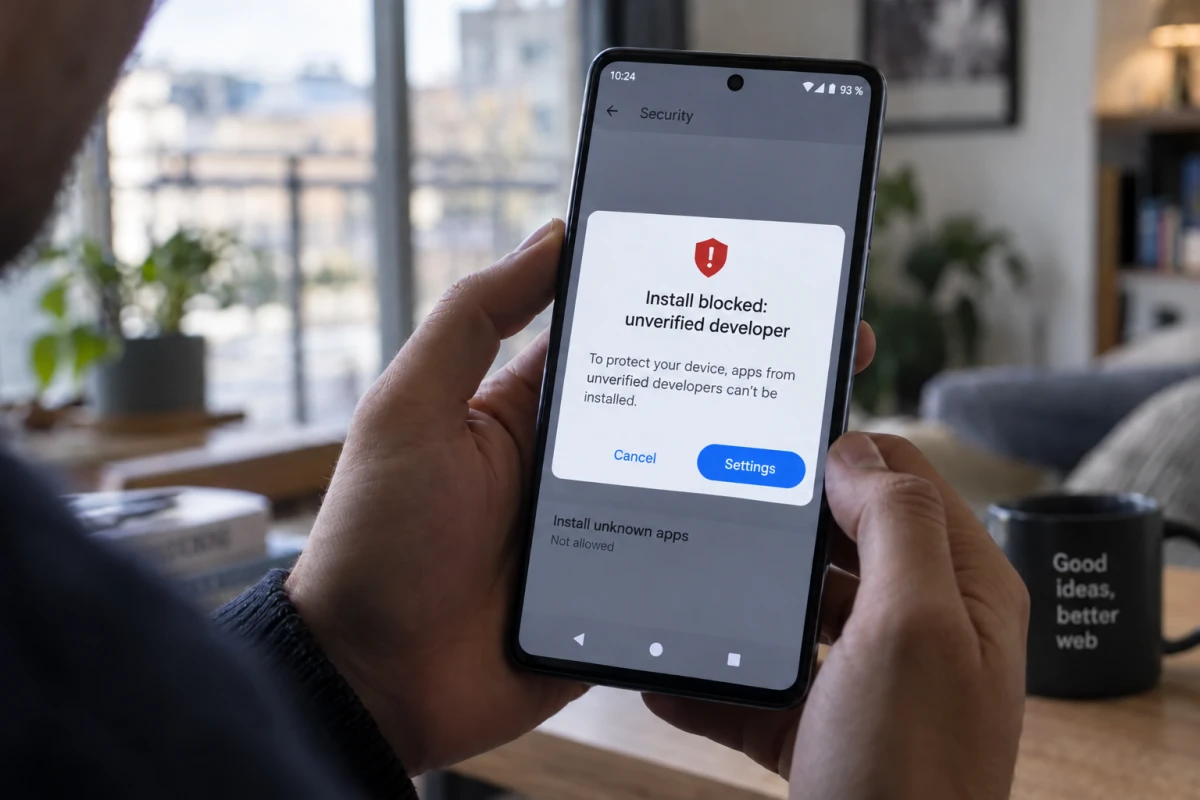
Installing an app from outside the Play Store has always been one of Android's freedoms. It is about to get slower. Google has started blocking apps from developers it has not identified, beginning with four countries on 30 September 2026, and the rest of the world, the UK included, is next. For those who still want to install such an app, Google has planned a way through, with a 24-hour wait built in on purpose.
What changed on 30 September, and where
The first wave covers Brazil, Indonesia, Singapore and Thailand. It applies to certified Android devices, meaning phones with Google services, running Android 7 or later. The check arrives through Google Play services, updated in the background, not through a new version of Android, so most phones get it without their owner noticing.
For now, the check covers seven partner app stores. APK files downloaded from the web and other stores are not yet included, according to Google's FAQ.
Why Google wants to know who developers are
The check is about the author's identity, not the app's content or where it comes from. Google does not review each app. The stated aim is to frustrate fraudsters who republish a booby-trapped app the moment the previous one is spotted.
A full developer account is paid. A free limited-distribution account, with no ID required, covers up to 20 devices, for students and hobbyists. Apps from an employer, a sports club or a charity are covered too, so their publishers will need to register.
In the UK: from 2027, no date yet
Google lists the UK in the "2027 and beyond" wave, without a precise date.
This is Google's own policy, not a law. Installing apps from outside the store is not being banned: it is becoming slower, and harder to do under pressure.
The advanced flow, and its 24-hour wait
To install an unverified app anyway, Google's FAQ describes six steps:
- Turn on developer options.
- Confirm that nobody is guiding you over the phone.
- Restart the phone and sign in again.
- Wait 24 hours, once only.
- Confirm with your fingerprint, face or PIN.
- Choose an authorisation lasting seven days or with no limit.
The 24 hours target scammers who pressure victims on the phone into installing an app on the spot. The invented emergency no longer works when the phone makes you wait a day. Google had planned this flow for August 2026, but its availability in the UK has not been confirmed.
Installing through ADB, from a computer connected to the phone, skips the check entirely. But an unregistered app will only update with the advanced flow switched on, or through ADB. Turn the flow off, and its updates fail.
The apps to spot on your phone now
Google has not said it will remove apps already installed. The risk is that they stop updating. Take stock now:
- List apps that did not come from a store: an APK from a website, an open-source store such as F-Droid, an app from your employer, club or charity.
- Watch each publisher's website: it is the developer who must register before the rule reaches the UK.
- Keep "restricted settings" for known publishers: since Android 13, unlocking them goes through Settings, then Apps, the app's page, the menu, then "Allow restricted settings".
And if someone on the phone asks you to switch on developer options or install an app, hang up. Call your bank on 159, which reaches many UK banks directly, and forward scam texts to 7726. Sending unknown numbers straight to voicemail also blunts these calls. For other everyday controls on your handset, see our guide to screen time settings.